 Chrome Extension
Mermaid Anywhere
Auto-detect and render Mermaid diagrams on any website. ChatGPT, GitHub, Stack Overflow, Confluence — everywhere you find code blocks.
See It In Action
Mermaid code blocks are automatically rendered into diagrams — no clicking, no copying, no extra steps.
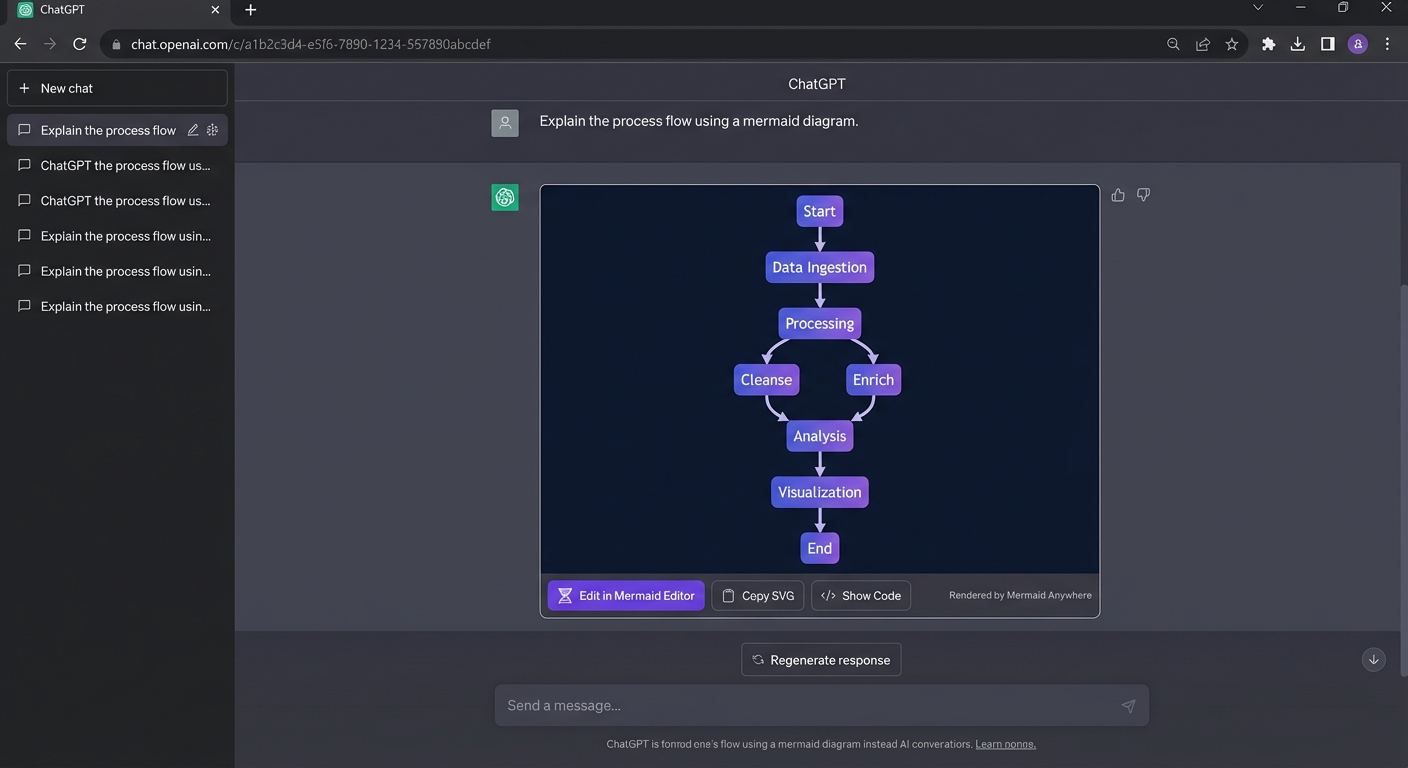
Works on ChatGPT
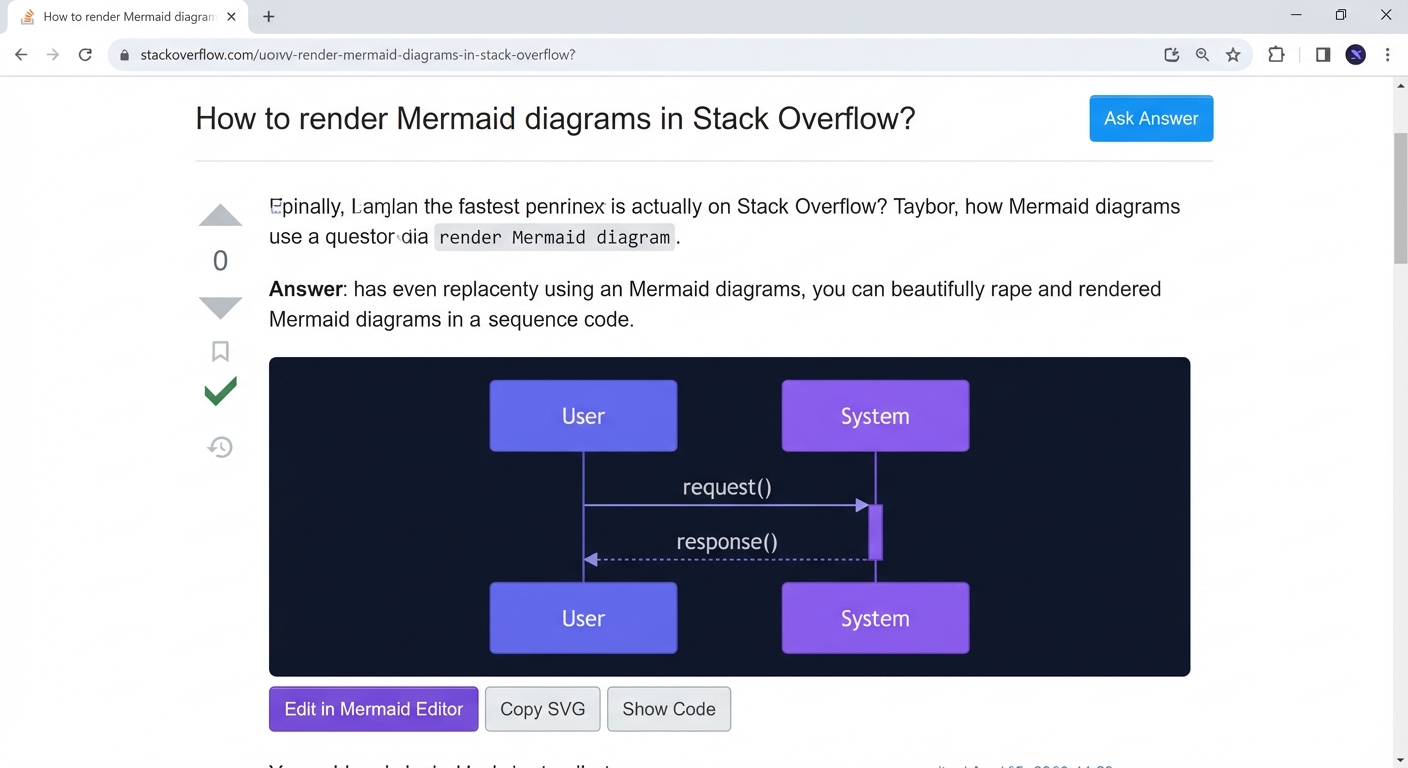
Works on Stack Overflow
Powerful Features
Built for developers who want Mermaid diagrams everywhere without any friction.
Auto-Detection
Finds Mermaid code blocks via CSS class selectors and keyword matching. No manual action needed.
Live Rendering
Renders using Mermaid.js 11.x in an isolated offscreen document for maximum compatibility.
Style Isolation
Shadow DOM prevents style leakage between the diagram and the host page. Zero conflicts.
SPA Support
MutationObserver catches dynamically loaded content. Works with single-page apps and infinite scroll.
Built-in Toolbar
Edit in Mermaid Editor, Copy SVG, Show/Hide Code — all from a floating toolbar on each diagram.
Zero Data Collection
No analytics, no telemetry, no tracking. All rendering happens locally in your browser.
Works Everywhere You Code
Any page with a Mermaid code block — the extension detects it automatically.
How It Works
Three steps. No configuration.
Install
Add from the Chrome Web Store. One click, no configuration.
Browse
Visit any page with Mermaid code — ChatGPT, GitHub, Stack Overflow, anywhere.
Diagrams Appear
Code blocks are automatically replaced with rendered SVG diagrams. Like magic.
Privacy First. Always.
Mermaid Anywhere processes everything locally in your browser. No data leaves your machine — ever.
- No analytics or telemetry
- No network requests to external servers
- No cookies or tracking pixels
- No user accounts required
- Open source — audit it yourself
- MIT licensed
Under the Hood
A robust architecture that works reliably across all websites — even those with strict CSP policies.
Content Script
Scans the page for Mermaid code blocks using CSS selectors and keyword matching.
Service Worker
Routes rendering requests between the content script and offscreen document.
Offscreen Document
Runs Mermaid.js in isolation to render code into SVG without CSP conflicts.
Shadow DOM
Injects the SVG diagram back into the page, fully isolated from host styles.
The offscreen document pattern ensures Mermaid.js never executes in the host page's context. This avoids CSP violations, prevents style conflicts, and provides consistent rendering across all websites — from ChatGPT to corporate Confluence instances.
Ready to See Diagrams Everywhere?
Install Mermaid Anywhere and never copy-paste Mermaid code again. Free, open source, and private by design.
Built by Mermaid Editor — the free online Mermaid diagram tool.
Explore More
ChatGPT Mermaid Renderer
Paste Mermaid code from ChatGPT to render, edit, and export diagrams online.
Diagram Types
Explore all 21 diagram types supported by Mermaid.js and Mermaid Editor.
Export to PNG
Download diagrams as high-resolution PNG images up to 8x.
Getting Started
New to Mermaid? Learn the basics and create your first diagram.