Basic release timeline
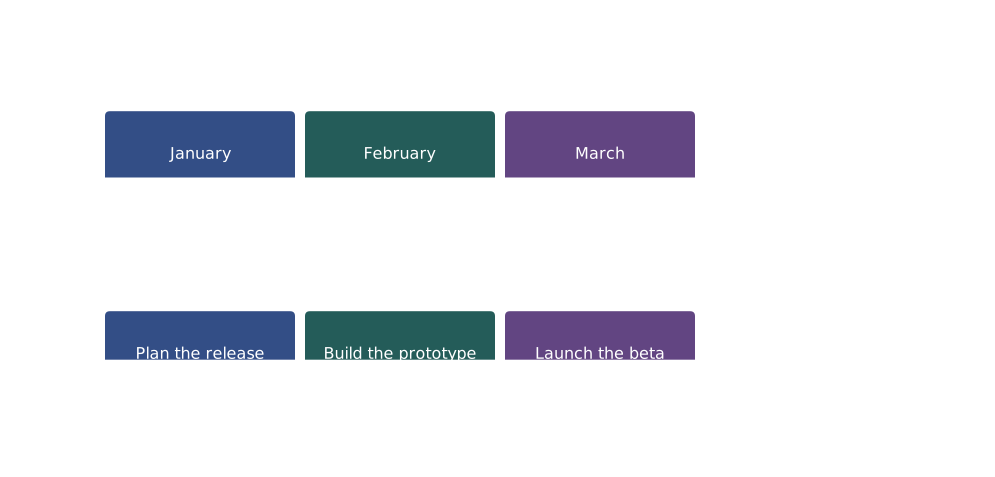
Start with timeline, add a title, then put each label before a colon and its event after it.
timeline
    title Release milestones
    January : Plan the release
    February : Build the prototype
March : Launch the betaBuild a Mermaid timeline from text. Edit the example below, preview your changes, or start with a worked example for your own milestones.
Browse timeline examples ↓Copy a complete example or open it in the editor to change the labels and events. These examples use horizontal timelines supported by this editor.
Start with timeline, add a title, then put each label before a colon and its event after it.
timeline
title Release milestones
January : Plan the release
February : Build the prototype
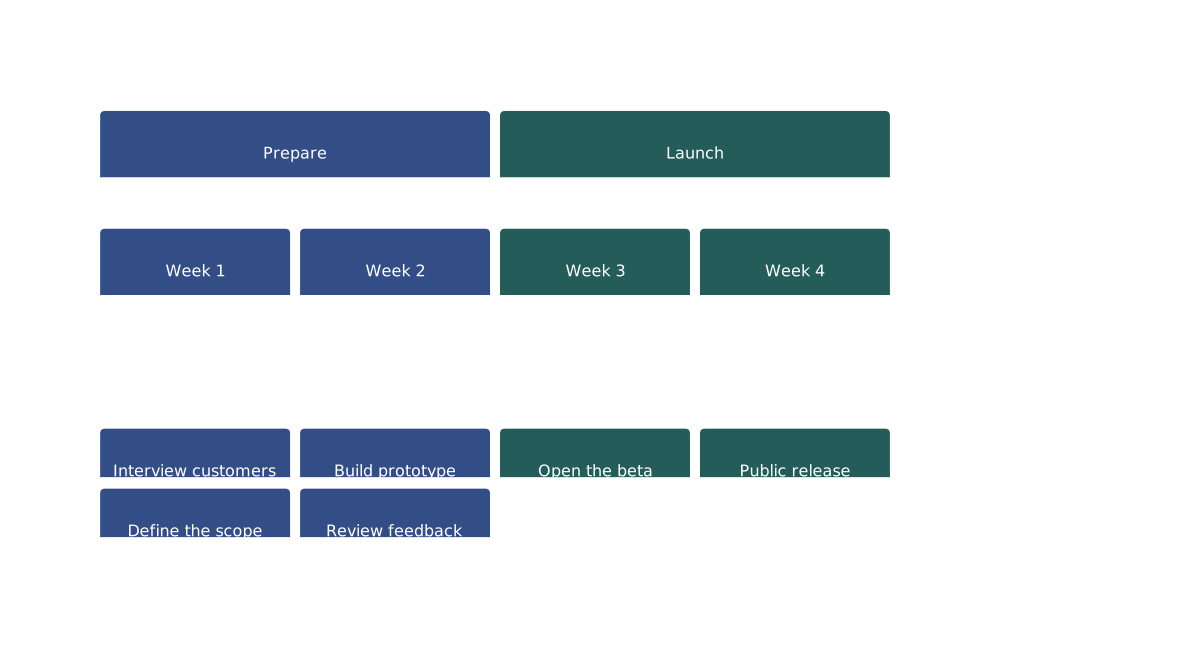
March : Launch the betaUse section to group phases. A line starting with a colon adds another event to the previous label; you can also separate events with colons on one line.
timeline
    title Product launch
    section Prepare
        Week 1 : Interview customers
               : Define the scope
        Week 2 : Build prototype : Review feedback
    section Launch
        Week 3 : Open the beta
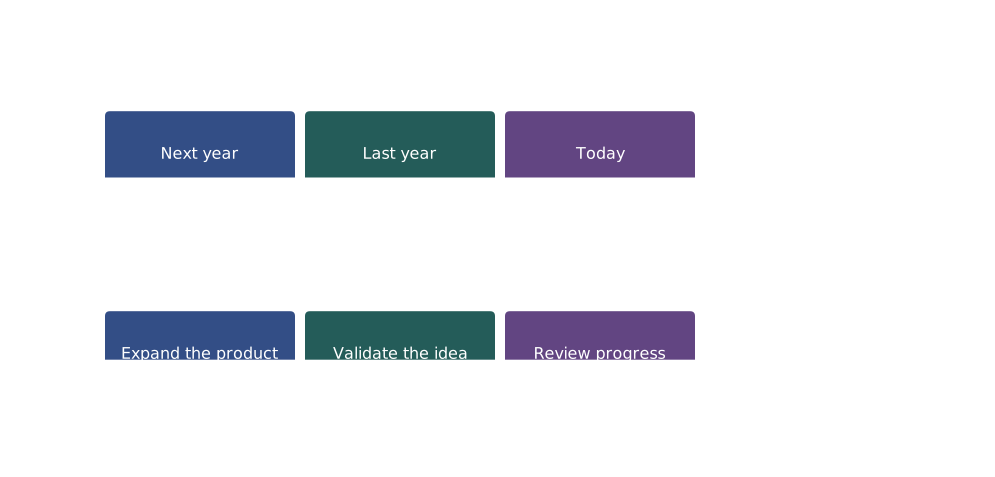
Week 4 : Public releaseLabels can be words, years, or ranges. Mermaid keeps the order you write: this example shows a future goal before a look back. Reorder the lines yourself for chronological order.
timeline
    title Planning notes
    Next year : Expand the product
    Last year : Validate the idea
Today : Review progressA Mermaid timeline pairs text labels with events along an axis. Labels can be dates, periods, or words such as Before and After. Entries appear in source order: Mermaid does not parse or sort dates, and spacing does not represent elapsed time. Use it for milestones, roadmaps, or event sequences; use a Gantt chart when task durations and dependencies matter.
| Element | Syntax | Description |
|---|---|---|
| Start | timeline | Declare a timeline diagram |
| Title | title Timeline Title | Timeline heading |
| Event | 2024 : Event description | Text label followed by an event |
| Multiple events | : Second event | Additional event under the previous label |
| Section | section Period Name | Group events by period |
Export your timeline as PNG, SVG, or PDF. Free exports include a watermark and limits may apply; check the export dialog for available settings.
High-resolution images for documents and presentations.
Scalable vectors for web and further editing.
Print-ready format for professional documentation.
Got Mermaid code from ChatGPT? Paste it here to render and export instantly.
All 21 diagram types in one PDF reference.
Open the editor with this example pre-loaded and start customizing.